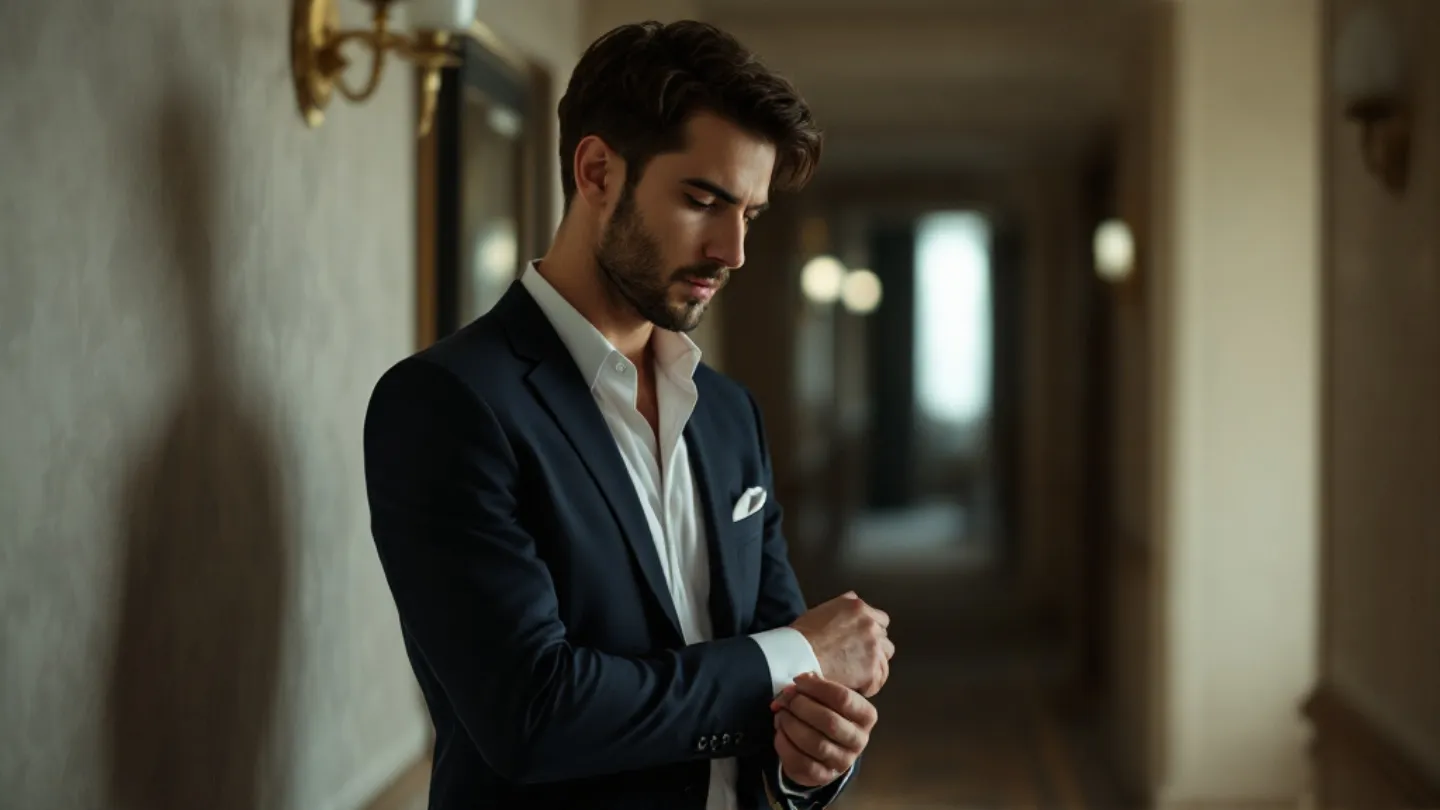
How to Generate AI Photos of Yourself Wearing Designer Clothes
A practical guide to creating AI images of yourself in luxury designer outfits — prompt tips for suits, streetwear, and high-end casual looks.
The appeal is obvious: see yourself in a $5,000 suit, standing in a setting you haven't visited yet, looking like you belong there. AI makes this possible in about 30 seconds. But the execution — the specific techniques that make the clothes look right — that's where most people get stuck.
Describing Clothes the Way AI Understands
AI models were trained on millions of fashion photos, product listings, and editorial content. They understand fashion vocabulary. The more accurately you describe a garment using real fashion terminology, the better the result.
"Nice suit" → generic output.
"Slim-fit charcoal wool suit with notch lapels, white spread-collar dress shirt, burgundy silk tie with a four-in-hand knot" → the AI knows exactly what to render.
You don't need to be a fashion expert. You just need to be specific. Google the terms if you need to. "Peak lapel vs. notch lapel" is a 10-second search that dramatically changes your output.
Categories That Work Best
Tailored suiting renders beautifully. The geometry is clean, the fabrics are well-represented in training data, and the styling options are well-defined. Double-breasted blazers, three-piece suits, tuxedos — all produce excellent results.
Streetwear is trickier because the details matter more. A generic "streetwear outfit" produces something forgettable. But "oversized vintage wash denim jacket, white heavyweight cotton tee, black cargo pants, chunky white sneakers" gives the AI specific pieces to render.
Casual luxury — the linen shirt, the cashmere sweater, the well-fitted chinos — works well when you specify fabrics. "Lightweight Italian linen shirt in off-white" communicates quality in a way the AI translates visually.
Outerwear is a strong category. Overcoats, leather jackets, and puffer jackets all have distinctive silhouettes that AI renders clearly. "Full-length camel wool overcoat" is unambiguous and produces consistent results.
Color Accuracy
AI handles some colors better than others. Neutrals (black, white, navy, grey, camel, cream) are extremely consistent. Bold colors (red, emerald green, royal blue) work well but sometimes shift in saturation. Pastels can be unpredictable — they sometimes render as neon.
If color accuracy matters to you, be redundant. Don't just say "blue suit" — say "navy blue suit, dark tone, not bright." The extra words prevent the AI from interpreting your blue as electric blue.
Accessories Add Realism
A watch, a pair of sunglasses, a pocket square — these small details make the difference between "AI image of a man in a suit" and "this looks like a real editorial photo."
Describe them specifically: "silver chronograph watch on left wrist," "tortoiseshell wayfarer sunglasses tucked into breast pocket," "white linen pocket square in a straight fold." Each accessory grounds the image in reality.
The Environment Completes the Outfit
A suit in a blank void looks like a product listing. The same suit in a hotel lobby, an art gallery, or a city street becomes a lifestyle image.
Match the environment to the outfit's formality. Formal suits belong in formal settings — hotels, corporate lobbies, evening events. Streetwear looks best on actual streets — urban environments, industrial backdrops, concrete and glass. Casual luxury fits relaxed environments — beachfront restaurants, rooftop terraces, garden settings.
This pairing isn't a rule, but it's how fashion photography works in the real world, and the AI was trained on real fashion photography.
Iteration Is Part of the Process
Your first generation of a designer outfit might render the jacket slightly differently than you imagined, or the color might be a shade off, or the fit might look baggier than intended. This is normal.
Tweak the prompt — "make the suit more slim-fit" or "darken the navy to almost black" — and regenerate. Two or three iterations usually gets you to the image you had in mind. The prompt library at PROMPTMVSTR has already been through this iteration process, which is why copy-paste prompts tend to produce better first-try results than writing from scratch.