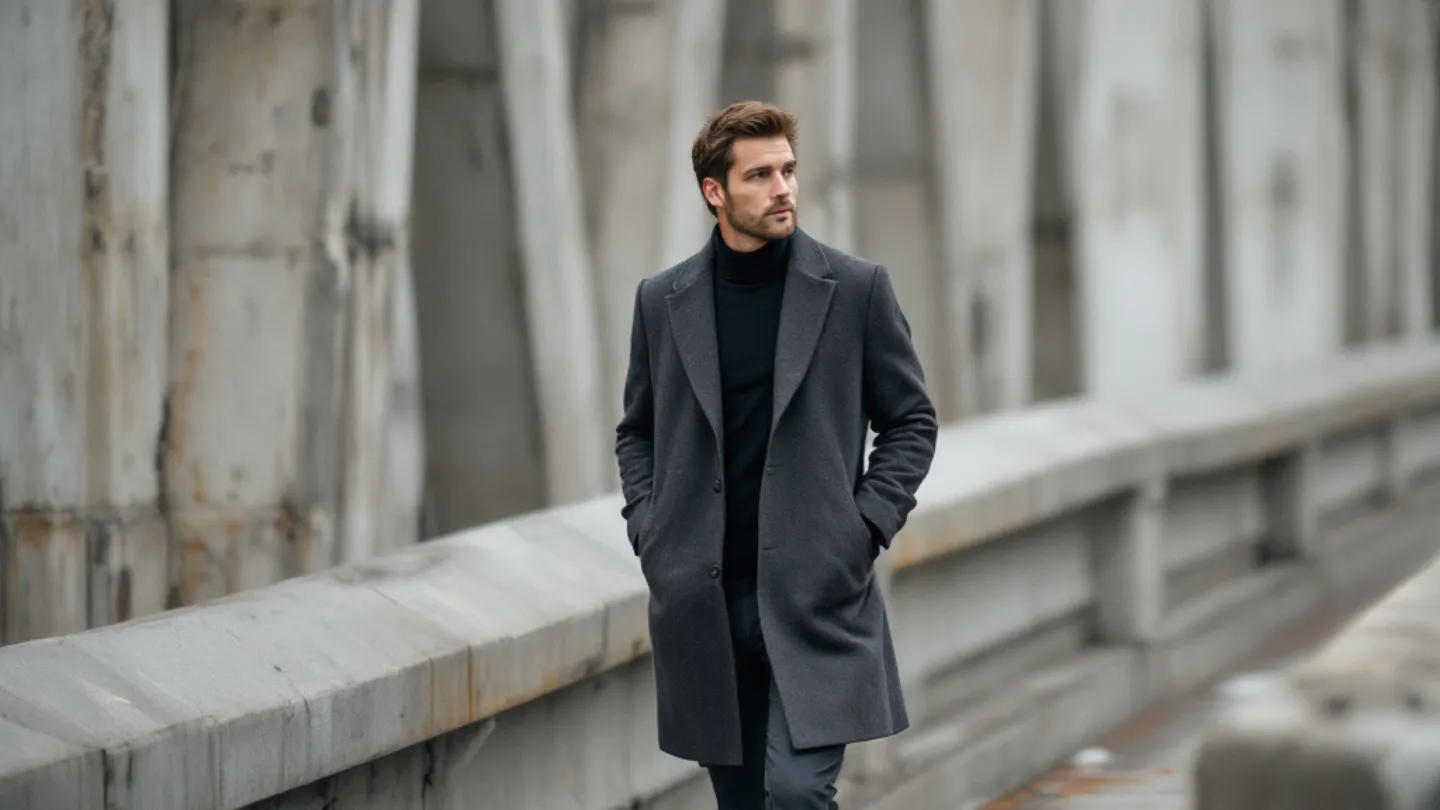
AI Fashion Photography Prompts for Men — What Works in 2026
The specific prompt structures that produce editorial-quality men's fashion AI photos, with real examples and common pitfalls.
Men's fashion photography has a specific visual language. Clean lines, intentional lighting, fabric texture you can almost feel. And when you try to replicate that with AI, most people immediately hit a wall: the output looks like a catalog screenshot from a fast-fashion site. No editorial edge. No atmosphere.
The problem is almost never the AI model. It's the prompt.
What Editorial Fashion Photography Actually Describes
Look at any high-end men's fashion editorial — GQ, Esquire, any of the good ones. The image tells you specific things: the garment (not just "a suit" but the cut, the fabric, the color), the setting (not just "studio" but the lighting style and backdrop), and the mood (sharp and corporate, or relaxed and golden-hour casual).
Your prompt needs to describe all three with the same specificity a photographer would use on set.
Prompt Structures That Work
Here's a structure we've tested across hundreds of generations:
The garment layer: "Wearing a charcoal wool overcoat over a black turtleneck, slim-fit dark denim" beats "wearing nice clothes" every single time. Name the materials. Name the colors. If you know the silhouette (slim, oversized, tailored), include it.
The environment layer: "Standing in a dimly lit industrial loft with exposed brick walls and warm pendant lighting" gives the AI a complete scene to build. Contrast that with "in a cool location" — which produces something random every time.
The photography layer: "Shot on a 50mm lens, f/1.8 aperture, editorial lighting with a single soft key light from camera left." This is where the magic happens. You're not just describing a scene — you're describing how a camera captured it. AI models trained on photography understand these terms.
Fabrics and Textures
AI handles some materials better than others. Wool, leather, denim, and cotton all render beautifully because the training data is full of them. Silk and satin can go either way — they sometimes come out looking plastic. Cashmere looks incredible when you specify "soft-focus texture detail."
The trick with luxury fabrics is to name the brand DNA without naming the brand. "Italian-cut double-breasted blazer with horn buttons" communicates a level of quality that "fancy blazer" simply doesn't.
Lighting Makes or Breaks It
Three lighting setups that consistently produce editorial results:
Golden hour editorial: "Warm natural sunlight from behind the subject, soft rim light on shoulders." This is the Instagram look. It's popular because it works.
Studio one-light: "Single soft key light from 45 degrees camera left, dark background, subtle shadow on opposite cheek." This is the classic GQ portrait setup.
Street with flash: "Direct on-camera flash, nighttime city street, slight motion blur in background." Edgier, more avant-garde. Great for streetwear prompts.
Common Failures
The outfit looks great but the face is wrong — usually means your reference photo had poor lighting. The clothes look generic — usually means your prompt said "suit" instead of describing the specific garment. The background is distracting — usually means you didn't specify the environment clearly enough.
Every failure is a prompt failure. Fix the words, fix the image.